# Level 1: Buckets of Fun
### Task
This level is *buckets* of fun. See if you can find the first sub-domain.
### Resolution
For this level, we'll asume that the bucket name is the same of domain (flaws.cloud), so we going to navigate to
This webpage returns an XML.
In the bottom of the XML, there ir a \\ with a HTML.
If we navigate to this HTML, we obtain the following:
### Lesson Learned
On AWS you can set up S3 buckets with all sorts of permissions and functionality including using them to host static files. A number of people accidentally open them up with permissions that are too loose. Just like how you shouldn't allow directory listings of web servers, you shouldn't allow bucket listings.
### Examples of this problem
* Directory listing of S3 bucket of Legal Robot ([link](https://hackerone.com/reports/163476)) and Shopify ([link](https://hackerone.com/reports/57505)).
* Read and write permissions to S3 bucket for Shopify again ([link](https://hackerone.com/reports/111643)) and Udemy ([link](https://hackerone.com/reports/131468)). This challenge did not have read and write permissions, as that would destroy the challenge for other players, but it is a common problem.
### Avoiding the mistake
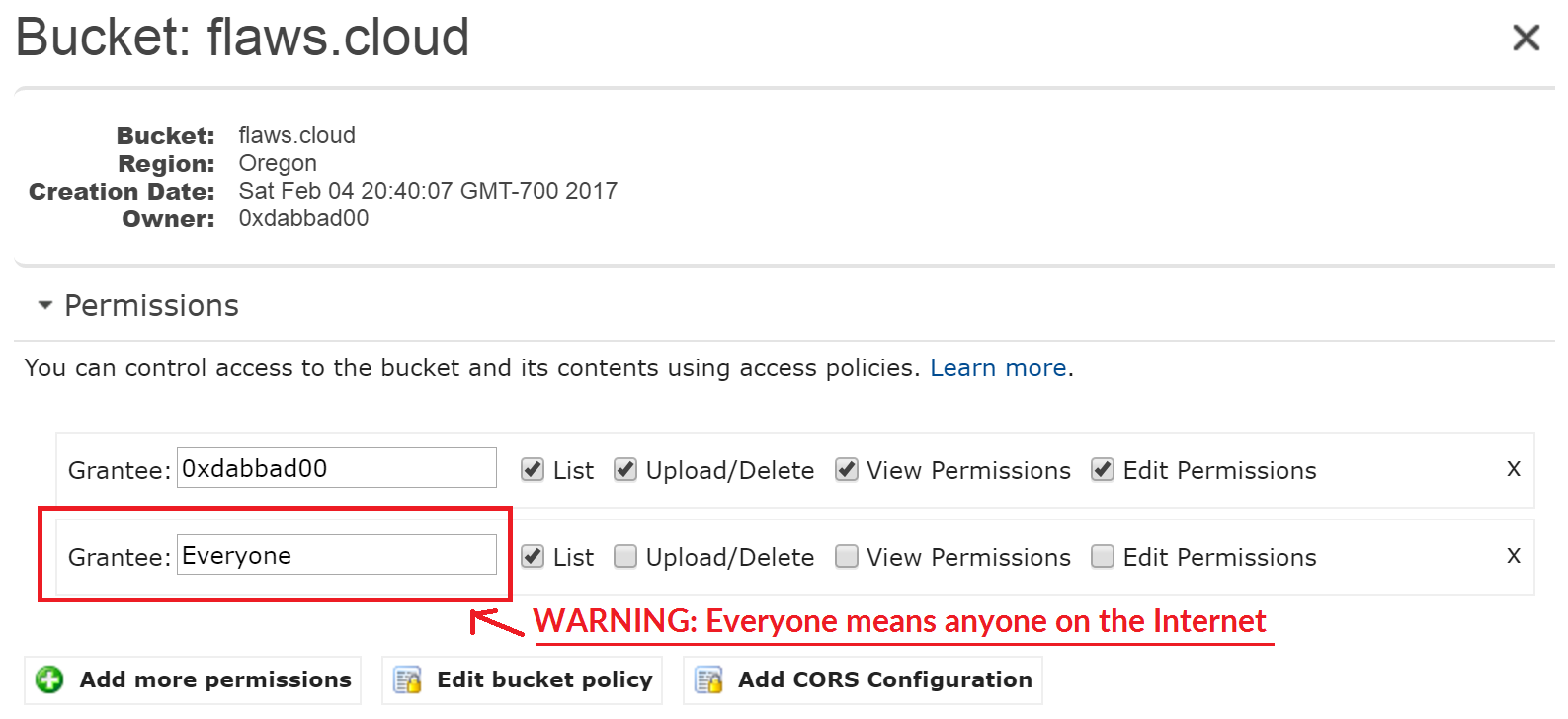
By default, S3 buckets are private and secure when they are created. To allow it to be accessed as a web page, I had turn on "Static Website Hosting" and changed the bucket policy to allow everyone "s3:GetObject" privileges, which is fine if you plan to publicly host the bucket as a web page. But then to introduce the flaw, I changed the permissions to add "Everyone" to have "List" permissions.
"Everyone" means everyone on the Internet. You can also list the files simply by going to due to that List permission.